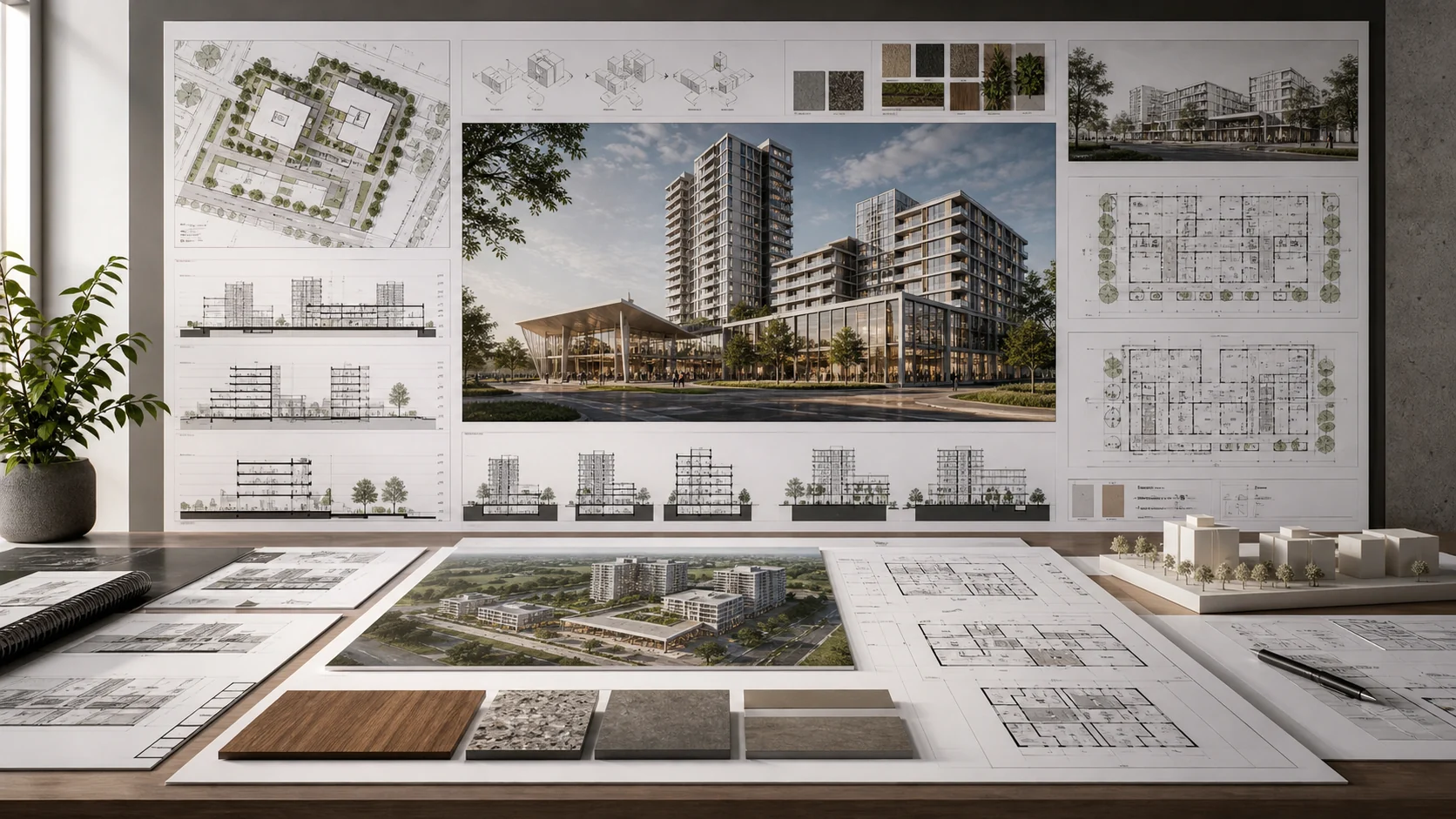
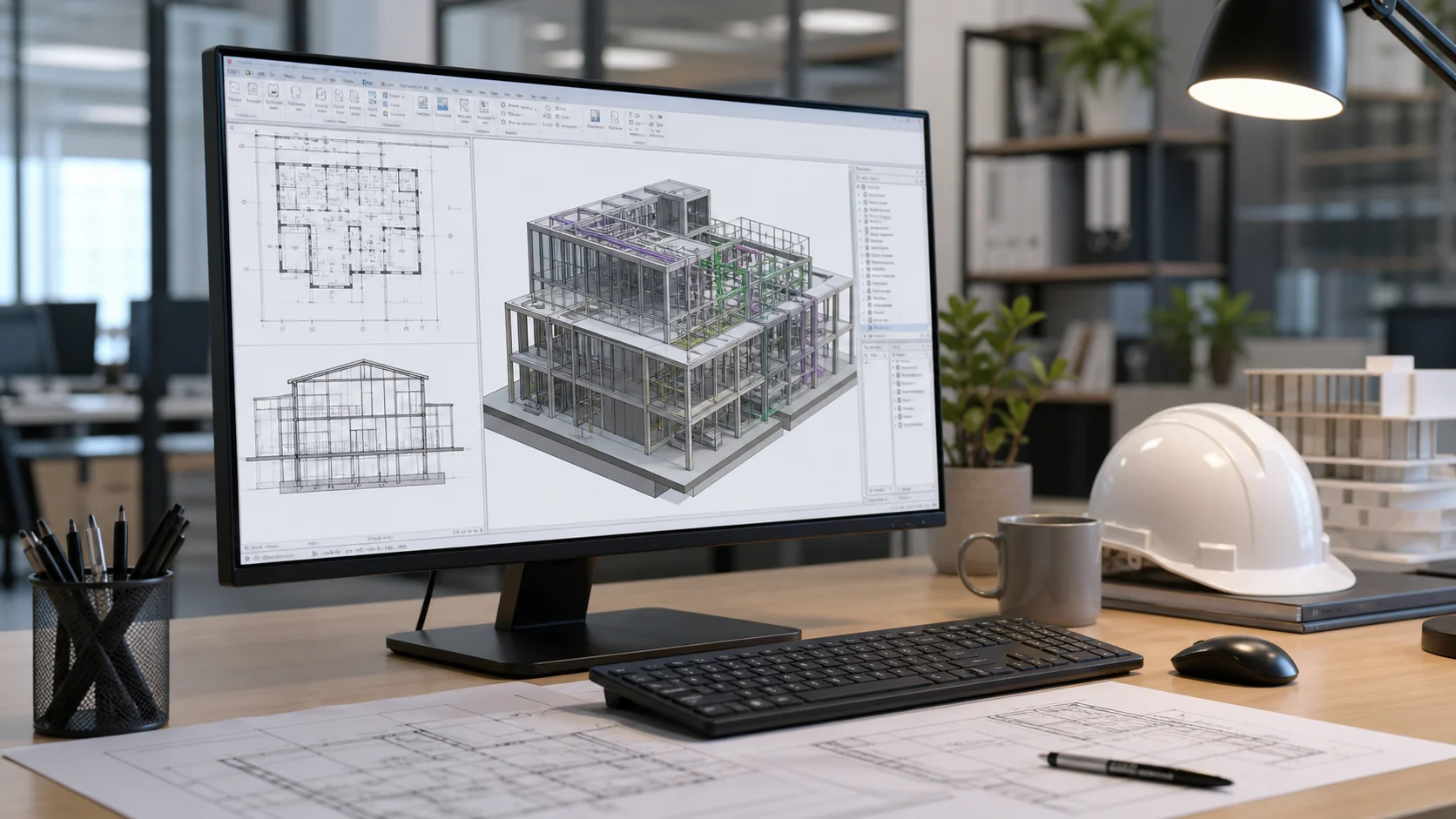
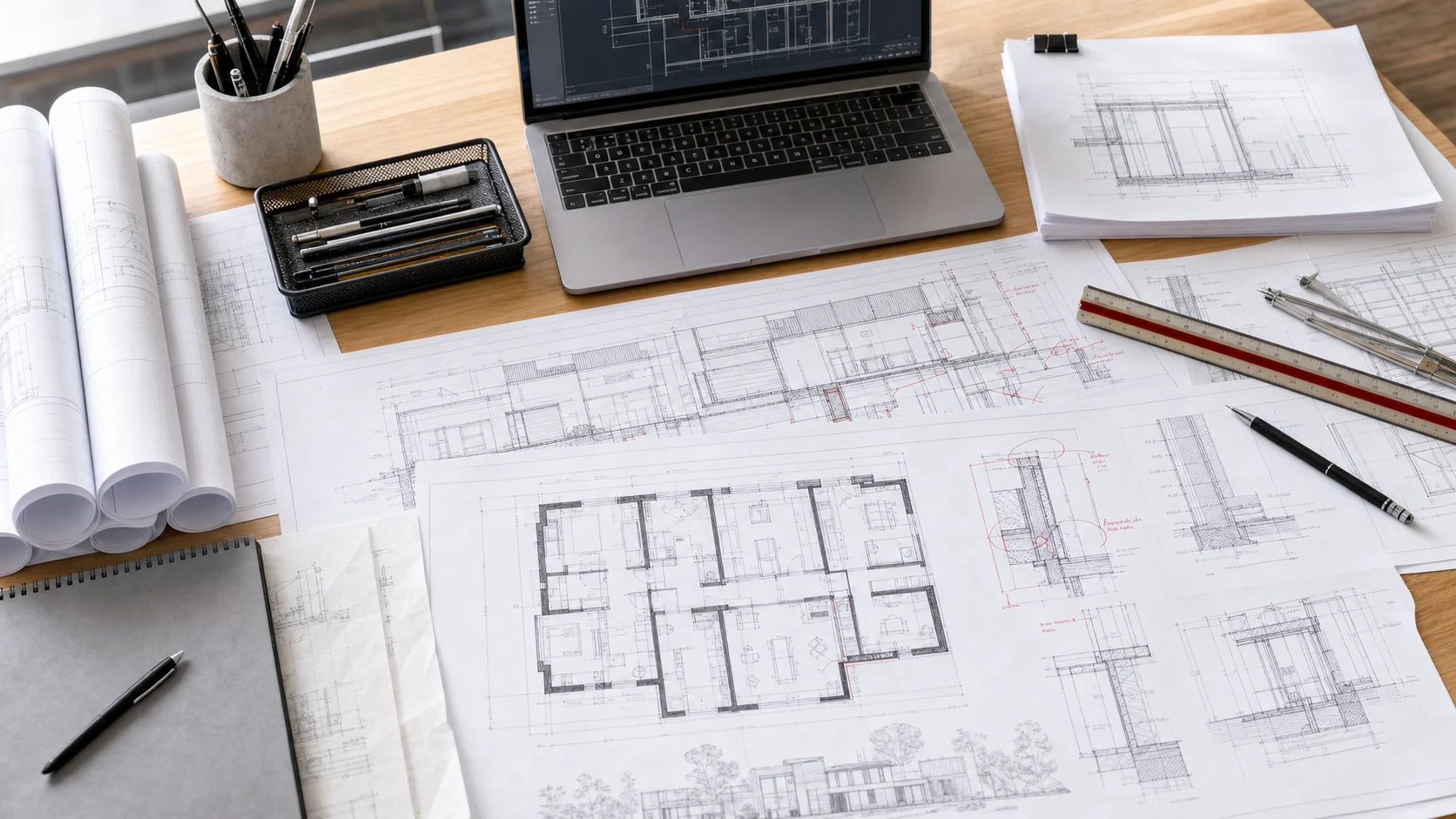
Illustrative Revit documentation workstation with coordinated plans, sections and sheets

Revit production

Revit Documentation Services

Revit sheet setup, view coordination, annotations, schedules, and documentation support for architecture teams.

5+ years team experience300+ projects across our professionals' architecture, interiors, and visualization workArchitect-led QA
Revit documentation and modeling sample
Typical output Sheets + Revit views

Service focus

Move Revit sheets forward when your model is ahead of your documentation.

Nest helps turn model progress into coordinated views, sheets, annotations, schedules, and PDF packages.

Problem

The model is ready, but the sheets are not

Nest helps convert model progress into organized documentation so deadlines are less dependent on one overloaded internal person.
Solution

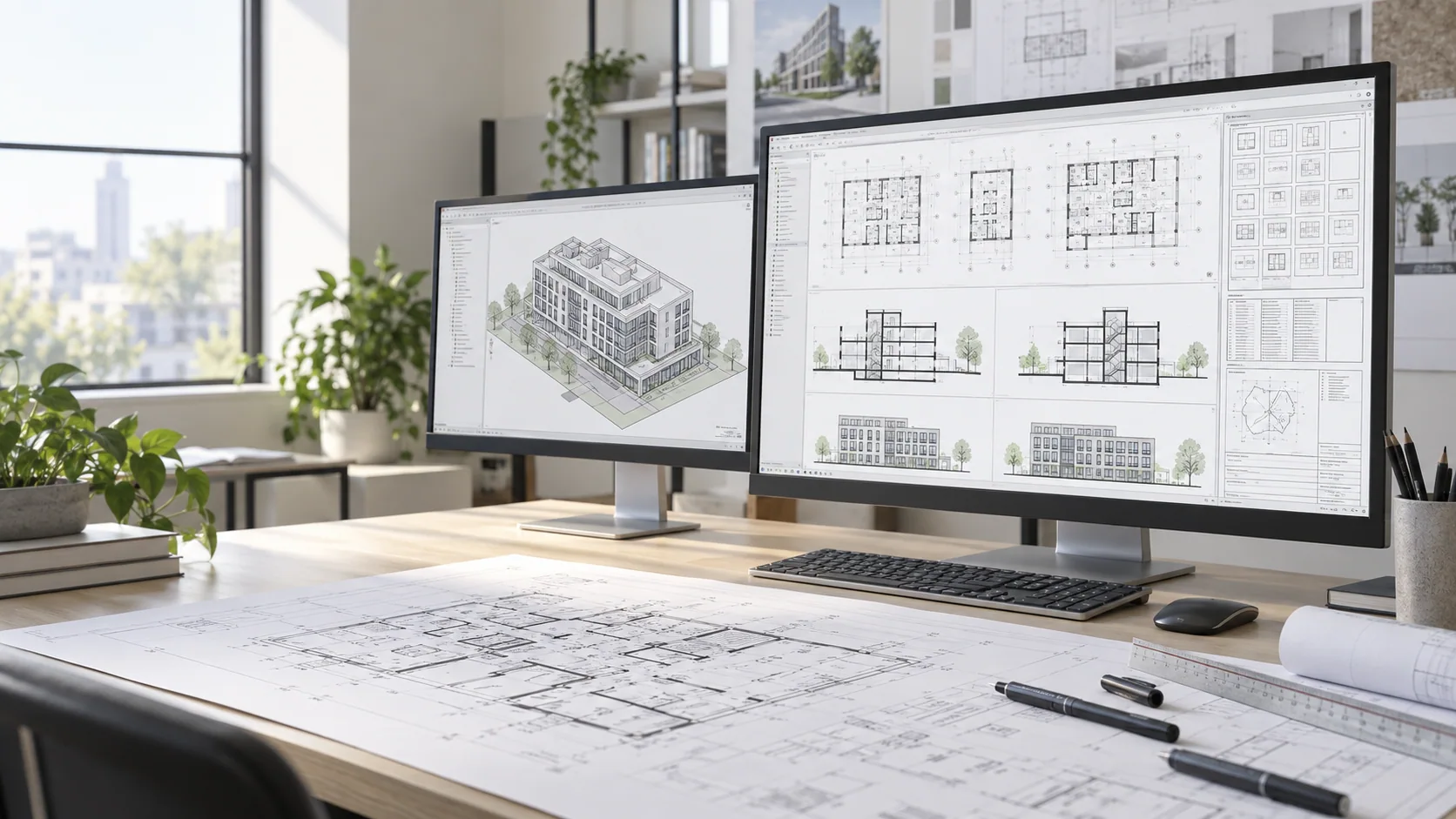
Revit sheet production

Nest supports view setup, sheet organization, tagging, dimensioning, schedule updates, and documentation cleanup.

What you receive

Revit sheets and PDFs for your final review

You receive Revit updates, sheet packages, exported PDFs, issue notes, and a clearer revision path for your internal review.

What we do

Views, sheets, annotations, and schedules

Revit sheet setup, view coordination, annotations, schedules, and documentation support for architecture teams.

01Sheet creation and view organizationPlace and organize views on your sheet templates and check sheet numbers, view titles, and references.
02Tags, dimensions, notes, and schedulesComplete annotations and schedules using approved model information; flag missing values for your project lead.
03Revit standards and template alignmentUse your Revit version, view templates, annotation families, and naming conventions.
04Permit, pricing, and construction documentation supportPrepare the agreed Revit sheets and PDFs for your firm's review before permit, pricing, or construction issue.

What to send

Start with the files you already have.

Send the files you already have. We will flag missing inputs before production begins so scope, deadline, and expectations stay clear.

FilesCurrent project materialPDF sets, DWG/Revit files, sketches, markups, scans, photos, references, and any existing drawings.
RulesYour standardsTitle blocks, templates, sample sheets, naming rules, software version, lineweights, and preferred output format.
GoalExpected outputTell us what should be delivered: CAD files, Revit model, renderings, PDFs, sheets, notes, or source files.
DateDeadline and review scheduleShare the target delivery date, who reviews the work, and when your team can answer open questions.

How it works

How your Revit documentation assignment is delivered.

You supply the brief and design direction. Nest confirms the scope, produces the work, and returns checked files with any questions that need your decision.

  1. 01Share the brief

    Share Revit files, template requirements, sample sheets, markups, schedules, standards, and issue deadlines.

  2. 02Agree the scope

    Confirm the deliverables, fee, software version, missing information, and review dates.

  3. 03Produce the work

    Set up views and sheets, add annotations, update schedules, coordinate details, and export review PDFs.

  4. 04Check the output

    Nest checks the work against the agreed brief and standards and flags unresolved questions.

  5. 05Return your files

    Receive Revit updates, sheet PDFs, issue notes, and revision-ready documentation.

Software expertise

Work in the software your team already uses.

Tell us your software version, templates, required add-ins, and file format. We confirm compatibility before production so your team can open and edit the returned files.
Autodesk3ds Max3D modeling and visualization
AutodeskAutoCADCAD drafting and drawing cleanup
GraphisoftArchicadBIM and architectural documentation
AdobePhotoshopPost-production and presentation graphics
AutodeskRevitBIM modeling and Revit documentation
TrimbleSketchUpConcept modeling and design studies

Illustrative deliverables

Examples of the visual and production work Nest supports.

These illustrative images show types of output, not verified client case studies. Request work samples relevant to your project before commissioning an assignment.


Architecture visualization
Exterior production visual
Large project presentation
Architectural modeling support
Concept / design visualization
Drawing and documentation example

FAQ

Common questions before sending files.

Can Nest match our standards?Yes. Send sample sheets, templates, linework standards, naming rules, and example deliverables.
Can we start small?Yes. Nest is designed for per-project support: one redline set, one model, one visualization package, or one deadline.
Who reviews the work?Production is managed and checked by architects before delivery.
Can you work in our Revit or CAD template?Yes. Share the correct software version, templates, title blocks, families, layers, and export requirements before kickoff.
Do you sign NDAs?Yes. NDA requirements can be handled before confidential drawings, models, or client information are shared.
How do revisions work?Revisions are tied to the agreed scope, marked comments, QA notes, and review dates so project managers keep control.
How fast can we start?We confirm current availability and a proposed start date after reviewing the task and source files. The start date is agreed in your proposal.
Do you replace licensed local architects?No. Nest provides production support under your studio direction and does not replace local code responsibility or licensed architect-of-record services.

Best fit

Firms preparing Revit drawing packages

Best for US studios producing permit, pricing, tender, or construction documentation in Revit.

A practical next step

What does your team need completed next?

Discuss your drawing, model, or rendering requirements. We will review the scope and confirm available support before you commit.