Practical guide
What this article covers
Practical Revit documentation support guidance for teams dealing with sheets, views, schedules, annotations, and issue deadlines.
Use Revit documentation support to complete the drawing set
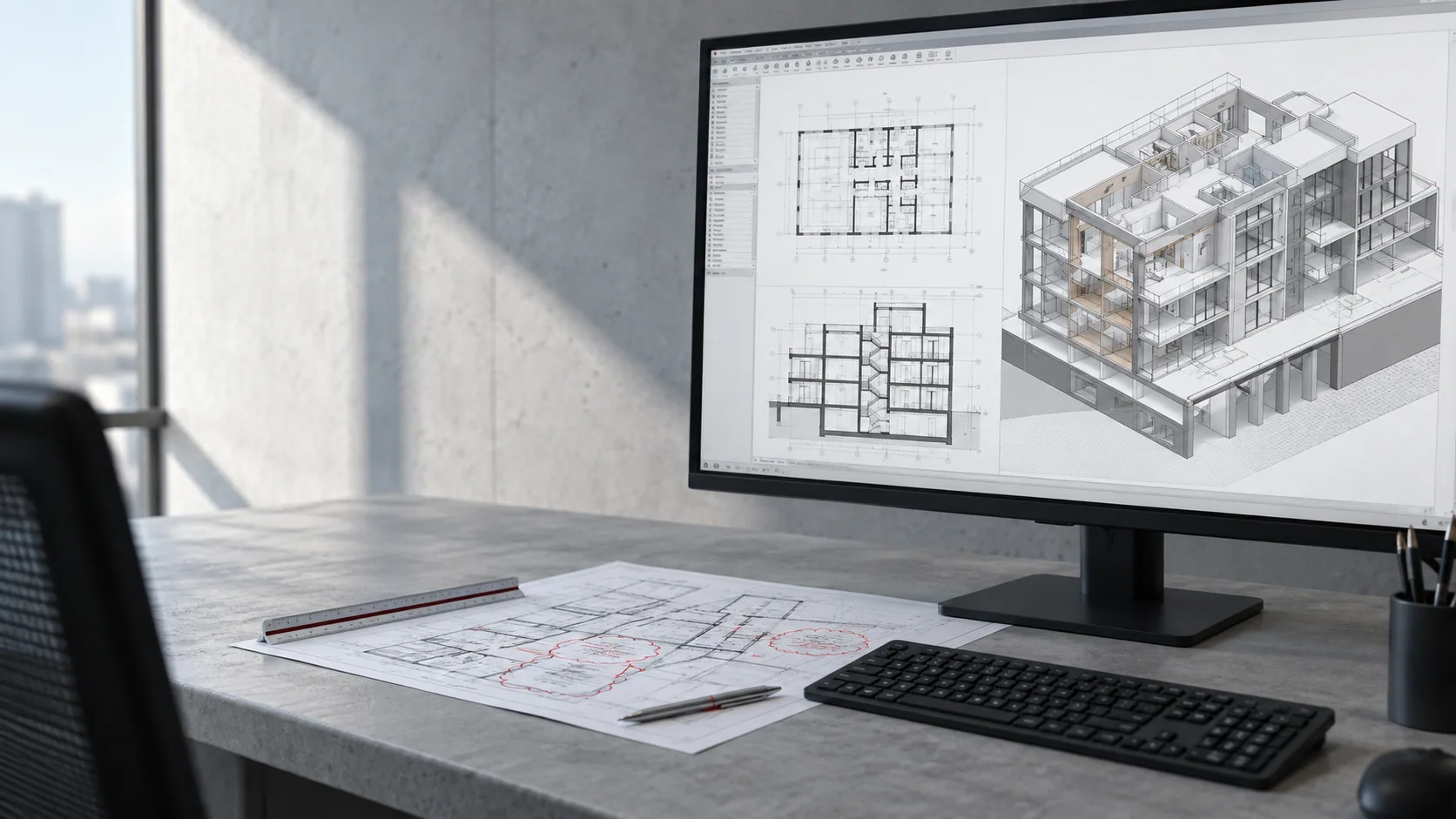
Revit bottlenecks often appear after the main design direction is set. The model may be usable, but sheets, views, tags, dimensions, notes, schedules, coordination updates, and revision rounds still need focused production time. When that time is not available, the model becomes a source of pressure instead of a production advantage.
The solution is not to allow more people to edit everything at once. It is to define a documentation plan, identify the sheet and view work that can move safely, and use clear standards so the internal architect can review output efficiently.
Find the gap between model progress and sheet progress
- The model is substantially developed, but sheets, annotations, schedules, or view coordination are behind.
- Project architects are spending excessive time on repetitive documentation tasks instead of resolving design or consultant issues.
- The team needs an organized push before a permit, pricing, or construction documentation milestone.
A Revit support task is strongest when the model state and expected documentation outputs are clear enough to review.
Keep the right work with your team
- Keep a named internal reviewer who can answer questions and approve progress at agreed milestones.
- Share the current source files, reference examples, standards, and the order of priority for the package.
- Use a clear handoff point so everyone understands what is ready for production and what is still under design review.
Assign documentation tasks with defined review points
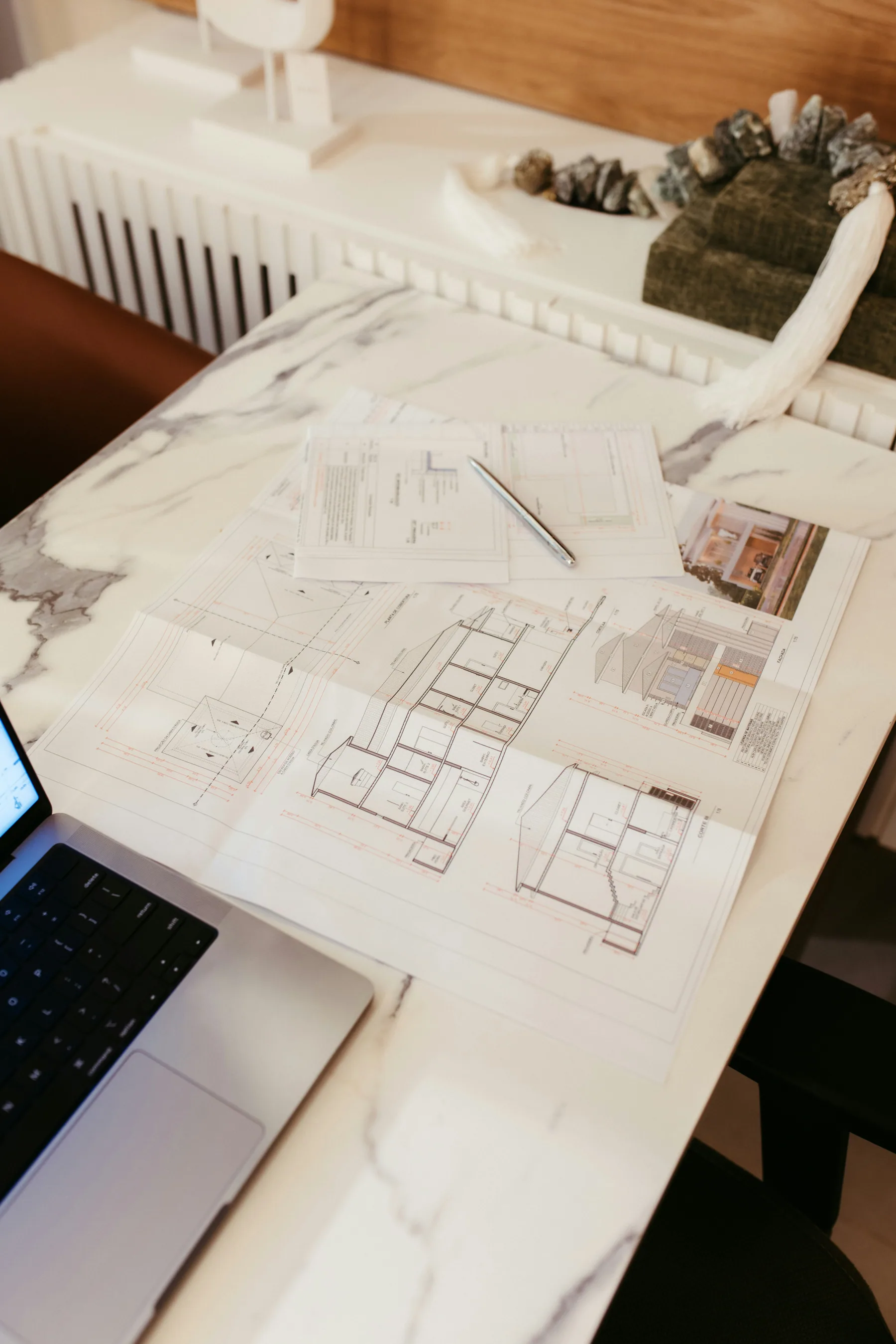
Break the work into documentation streams: sheet setup, views, annotations, schedules, details, and final issue coordination. Then assign only the streams that can follow the established template and an agreed change hierarchy.
- Confirm the Revit version, model ownership rules, and current source of truth before editing begins.
- Use representative sheets and views to verify annotation, tag, dimension, and naming standards early.
- Set review checkpoints by sheet group or deliverable rather than waiting for the entire package.
This keeps the project architect in control of decisions while freeing production time for the documentation work that follows them.
Share the files and standards needed to begin
Technical details should be confirmed early: software version, file format, expected level of development, required exports, naming conventions, and any limitations on what can be changed. For a related production option, review Nest's Revit documentation services before deciding the first scope.
Common mistakes to avoid
- Asking for sheet production while unresolved design changes are still moving through the model.
- Using the wrong Revit version, template, or worksharing protocol.
- Allowing annotation and schedule work to proceed without a sample output review.
Small standards checks early in the process are far less expensive than a late package-wide cleanup.
What this can look like in practice
A firm may have a developed model but no capacity to set up sheets, organize views, place notes, and update schedules for a permit issue. External Revit documentation support can work from the model and approved examples while the internal team handles design decisions and coordination changes.
The work is then reviewed in groups, making it easier to correct a pattern once rather than rediscover it across every sheet.
How to start with one defined package
Start with one sheet set or view group, along with the current model, template, sample sheets, and a short list of priority deliverables.
Nest can review the model state and help define a realistic Revit documentation package for a first controlled delivery.
Before sending the first package, confirm:
- Revit version and worksharing rules
- Current model and template
- Representative sheets and views
- Priority documentation deliverables
For related guidance, review Revit support guide and redline pickup support guide before agreeing your first assignment.
Related questions and practical guides
For more detail on staffing, standards, and specific production tasks, read the related guides below.
- Revit Support for Architecture Firms: Understand when Revit support helps architecture firms keep models, sheets, and deadlines moving.
- Redline Pickup Support: When Outside Drafting Help Makes Sense: Learn how architecture firms can use external drafting support for organized, review-ready redline pickup without losing control.
- Construction Docs Outsourcing Guide: How architecture studios can outsource construction documentation while protecting standards and deadlines.
Discuss your project with Nest
To discuss Revit documentation support for your firm, send a project brief or book a 30-minute project call.
Need help with current production work?
Tell us which drawings, model updates, or renderings need attention and when you need them. We can review the assignment, confirm availability, and explain project-based or monthly support.
Book a project callSend a project brief