Practical guide
What this article covers
Learn how architecture and interior design teams can use SketchUp modeling support for studies, presentations, visualization, and documentation preparation.
Choose SketchUp modeling support for a defined output
SketchUp models often begin as fast design studies and gradually become critical project assets for client conversations, visualization, pricing, or documentation coordination. The challenge is deciding which production tasks can be delegated while keeping the model aligned with the design lead's intent.
Support works best when the design team defines the purpose of the model: a massing study, a client presentation, an interior visualization base, a coordinated model for drawings, or a set of views. That purpose determines the required level of cleanup, organization, materials, scenes, and deliverables.
Identify tasks taking time away from design
- The design direction is clear, but the model needs cleanup, organization, scenes, materials, or presentation output.
- The team is repeating modeling work that does not require a fresh design decision every time.
- A presentation or visualization deadline is approaching and the design lead needs more production capacity.
A good modeling handoff lets the design lead stay focused on choices while the production work makes those choices presentable and usable.
Keep the right work with your team
- Keep a named internal reviewer who can answer questions and approve progress at agreed milestones.
- Share the current source files, reference examples, standards, and the order of priority for the package.
- Use a clear handoff point so everyone understands what is ready for production and what is still under design review.
Agree model organization and presentation requirements
Describe the model's purpose, the design inputs that cannot change without approval, and the outputs required at the end. A few annotated screenshots, a current model, reference images, and a scene list can be more useful than a long narrative brief.
- Set the file version, units, naming approach, and required output views before modeling begins.
- Separate design-change decisions from cleanup, geometry development, material setup, and scene production.
- Review a representative view or zone before the model is expanded across the full project.
This keeps the model useful for the intended audience without overbuilding geometry or visuals the project does not need.
Share the files and standards needed to begin
Technical details should be confirmed early: software version, file format, expected level of development, required exports, naming conventions, and any limitations on what can be changed. For a related production option, review Nest's 3D visualization services before deciding the first scope.
Common mistakes to avoid
- Delegating a model without identifying the decision-maker for design changes.
- Building presentation-level detail when the model only needs to support a quick feasibility discussion.
- Using inconsistent source models, reference imagery, or units across team members.
The right amount of modeling is defined by the next decision, not by how complex the file can become.
What this can look like in practice
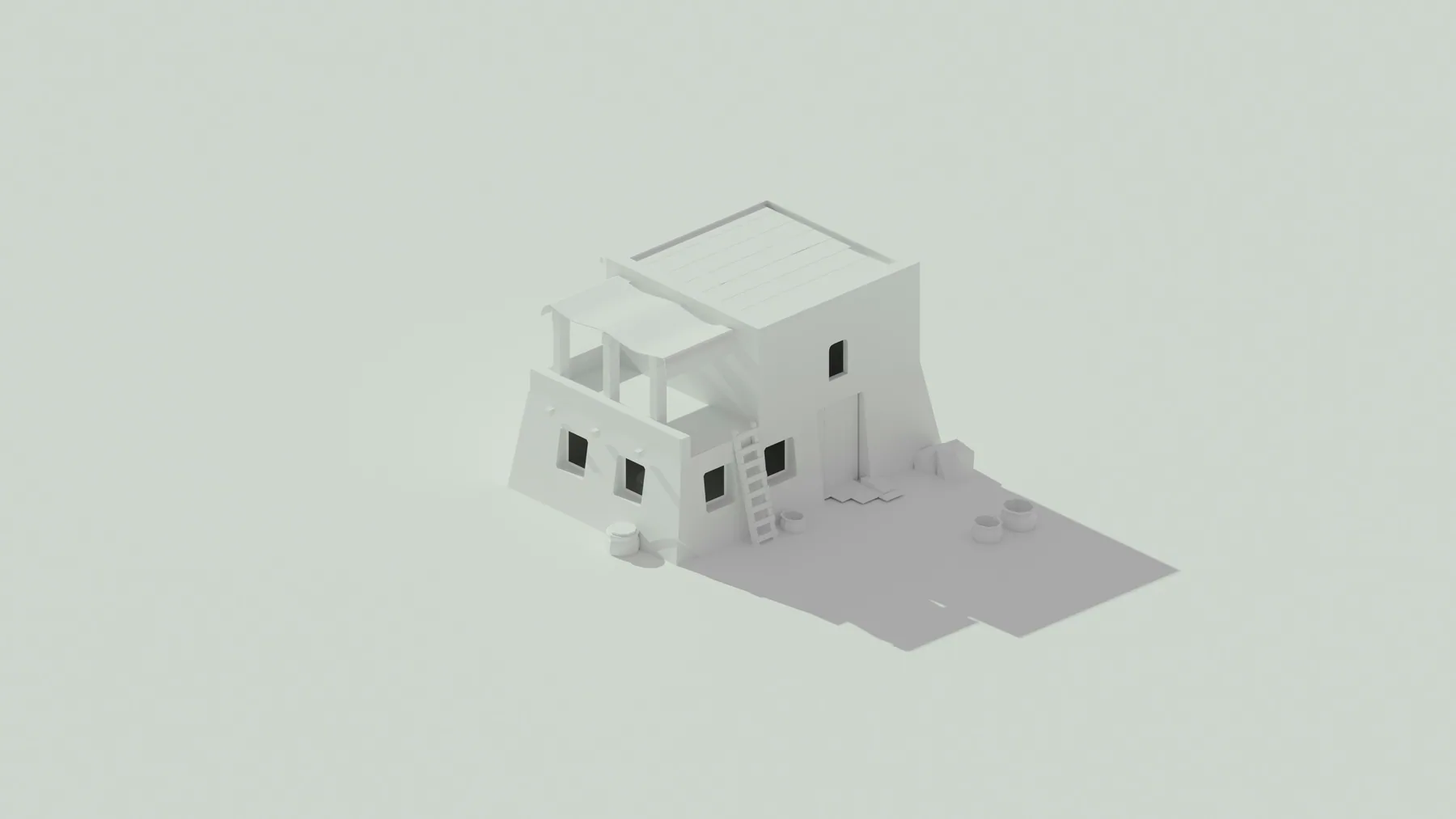
An interior studio may have approved plans and a design direction but need a well-organized SketchUp model, scene setup, material studies, and presentation views for a client review. The designer remains responsible for aesthetic decisions while support handles the production work around the approved direction.
The same model can later feed a rendering workflow, but that should be planned rather than assumed from the start.
How to start with one defined package
Start with one room, zone, or view set and define the model purpose before assigning a broader package. That creates a fast review point for design intent and output quality.
Nest can support SketchUp modeling, visual studies, and presentation-ready outputs once the intended use and review process are clear.
Before sending the first package, confirm:
- Model purpose and audience
- Current file and units
- Approved design direction
- Required scenes, views, or exports
For related guidance, review 3D visualization outsourcing guide and interior design support services before agreeing your first assignment.
Related questions and practical guides
For more detail on staffing, standards, and specific production tasks, read the related guides below.
- 3D Visualization Outsourcing Guide: Learn when to outsource architectural rendering and 3D visualization for design reviews and presentations.
- Architecture Production Support for Interior Design Studios: How interior design studios can add CAD, Revit, SketchUp, documentation, and visualization support without losing design direction.
- Retail Rollout Drawing Support: How to Scale Multi-Site Projects: How retail design and architecture teams can use drawing, documentation, and visualization support for multi-site rollout work.
Discuss your project with Nest
To discuss SketchUp modeling support for your firm, send a project brief or book a 30-minute project call.
Need help with current production work?
Tell us which drawings, model updates, or renderings need attention and when you need them. We can review the assignment, confirm availability, and explain project-based or monthly support.
Book a project callSend a project brief