Practical guide
What this article covers
Understand when architecture firms can use BIM modeling support for Revit production, coordination, documentation, and existing-condition work.
Define the BIM modeling support your project needs
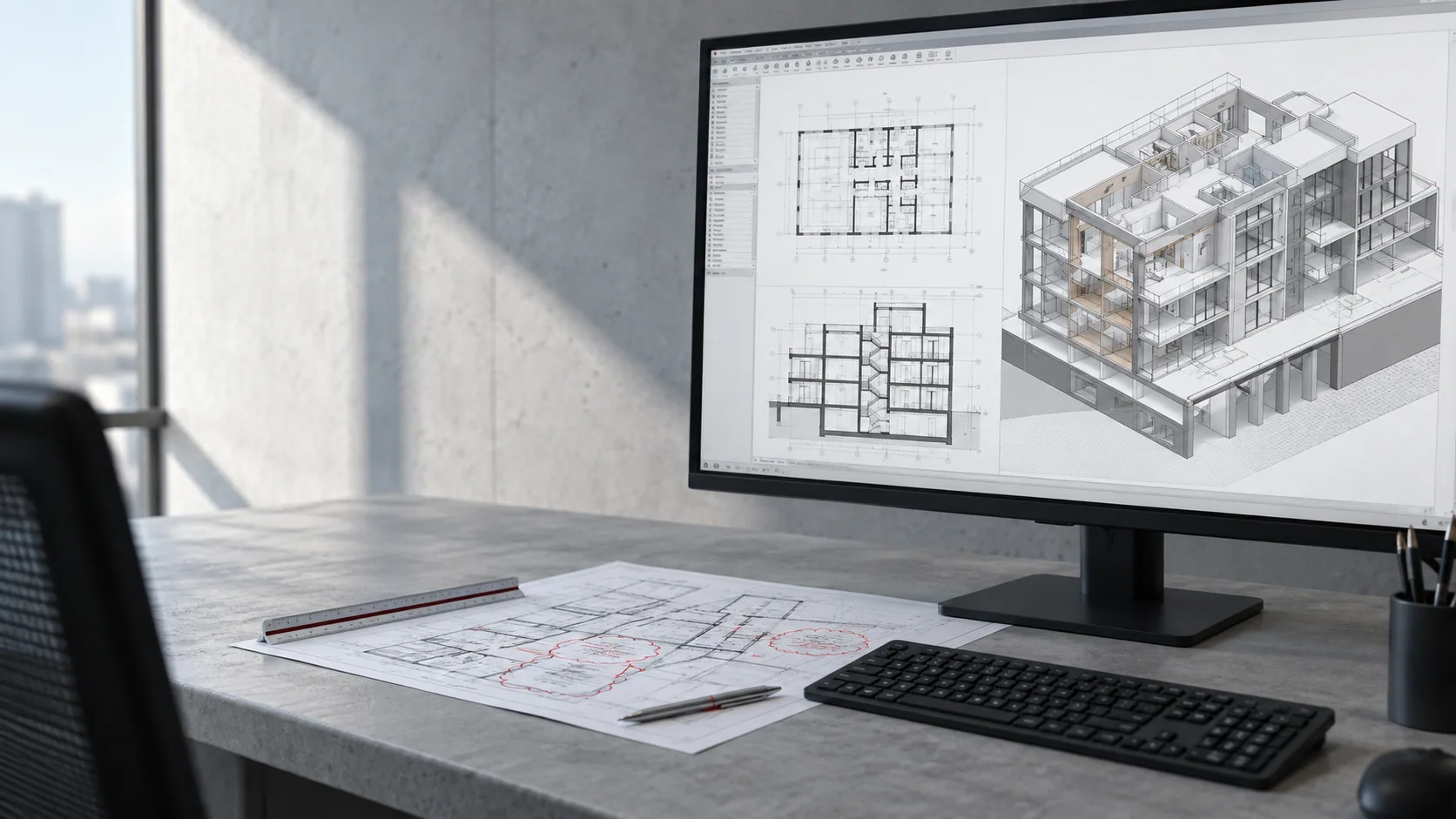
BIM modeling support can create real capacity, but only when the required model purpose is clear. A model built for massing, design development, coordination, documentation, or existing conditions needs different levels of information, different source inputs, and different review expectations.
The most important scope question is not simply whether the model is in Revit. It is what the model needs to do for the project team. That determines the level of detail, expected geometry, naming, family use, coordination requirements, and final deliverables.
Identify modeling tasks that can be assigned separately
- The team can describe the model purpose, phase, and expected deliverables.
- Source drawings, survey information, markups, standards, or point-cloud data are available.
- The internal project lead can review model progress against the intended level of information and output.
A well-defined BIM task is easier to support than a broad request to make a model look complete.
Keep the right work with your team
- Keep a named internal reviewer who can answer questions and approve progress at agreed milestones.
- Share the current source files, reference examples, standards, and the order of priority for the package.
- Use a clear handoff point so everyone understands what is ready for production and what is still under design review.
Agree model content, standards, and responsibilities
Define the model around its use. Identify what is included and excluded, which files are authoritative, how the model will be reviewed, and what must be extracted or delivered at the end. This gives the production team a clear target and protects the internal lead from avoidable rework.
- Confirm Revit version, model ownership, linked files, and worksharing expectations.
- Describe the required detail and information in project terms rather than using a vague completeness target.
- Review an early representative area, level, or family strategy before expanding the work.
A focused early review is especially valuable for models that will later feed sheets, schedules, or consultant coordination.
Share the files and standards needed to begin
Technical details should be confirmed early: software version, file format, expected level of development, required exports, naming conventions, and any limitations on what can be changed. For a related production option, review Nest's BIM modeling services before deciding the first scope.
Common mistakes to avoid
- Requesting more modeled information than the project actually needs.
- Using survey, scan, or legacy drawing inputs without stating confidence limits or known gaps.
- Waiting until the end to verify model organization, naming, or extractable outputs.
Useful BIM support is defined by what the project can reliably use next, not by visual complexity alone.
What this can look like in practice
A renovation team may need an existing-condition model from survey information and scans so it can test layouts and prepare documentation. A documentation team may need a clean architectural model with views and sheets ready for a permit issue.
Both are BIM tasks, but the inputs, checks, and delivery expectations are different enough that they should not be scoped as the same service.
How to start with one defined package
Start with a model purpose, a representative source package, and a small reviewable area or deliverable. That makes it possible to validate assumptions before the model grows.
Nest can review BIM inputs and help define a practical production scope for modeling, coordination, documentation, or existing-condition work.
Before sending the first package, confirm:
- Model purpose and project phase
- Required Revit version and source files
- Included and excluded elements
- Review point and final deliverables
For related guidance, review Revit support guide and Scan to BIM brief checklist before agreeing your first assignment.
Related questions and practical guides
For more detail on staffing, standards, and specific production tasks, read the related guides below.
- Revit Support for Architecture Firms: Understand when Revit support helps architecture firms keep models, sheets, and deadlines moving.
- Scan to BIM Brief Checklist: A practical Scan to BIM brief checklist for architects, survey teams, developers, and renovation projects.
- Architectural Outsourcing Quality Control: A practical quality-control guide for firms outsourcing CAD, BIM, Revit, and visualization work.
Discuss your project with Nest
To discuss BIM modeling support for your firm, send a project brief or book a 30-minute project call.
Need help with current production work?
Tell us which drawings, model updates, or renderings need attention and when you need them. We can review the assignment, confirm availability, and explain project-based or monthly support.
Book a project callSend a project brief